Governance and control
Keep content consistent as more teams contribute
A ward knows its notices, a store knows its local offer, and a department knows its schedule. Letting those teams update screens keeps information close to its source. The challenge is giving them enough freedom for that work without asking every contributor to become a designer or site administrator.
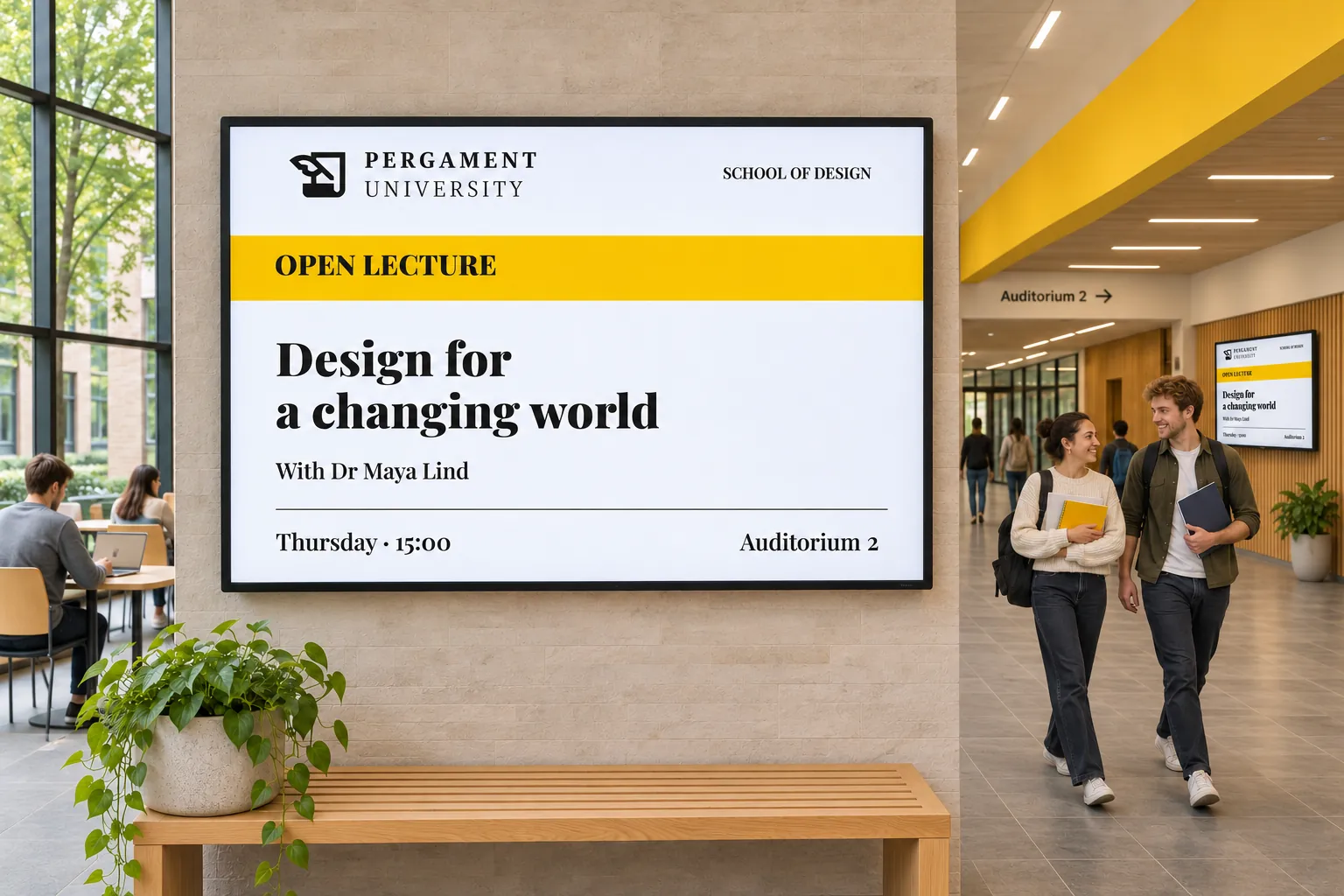
Consider a branded notice used by several departments. Its message changes locally, but the organization wants a consistent layout and a clear decision about publication. Four choices work together: the design, the editable fields, resource access, and review.
Start with the design people should reuse
A template provides a reusable layout. Template Themes supply logos, colors, backgrounds, and fonts to designs that use those values. A central designer can maintain that shared appearance while local teams supply different messages.
Themes do not restyle arbitrary static files. Choose which designs should use the shared values, then test the resulting items before making them a common starting point. Keep screen content consistent with your brand explains the relationship between templates, themes, and local content.
The same arrangement can support repeated non-designer updates, public-facing information, or campaigns where brand consistency matters. Agree who maintains the starting designs once more teams begin using them.
Expose the changes contributors actually need
The departmental notice may need new text or an image while its layout remains the same. The designer can choose supported fields for Quick edit. Contributors then update those fields in smart media without editing the complete layout, shapes, effects, or styling.
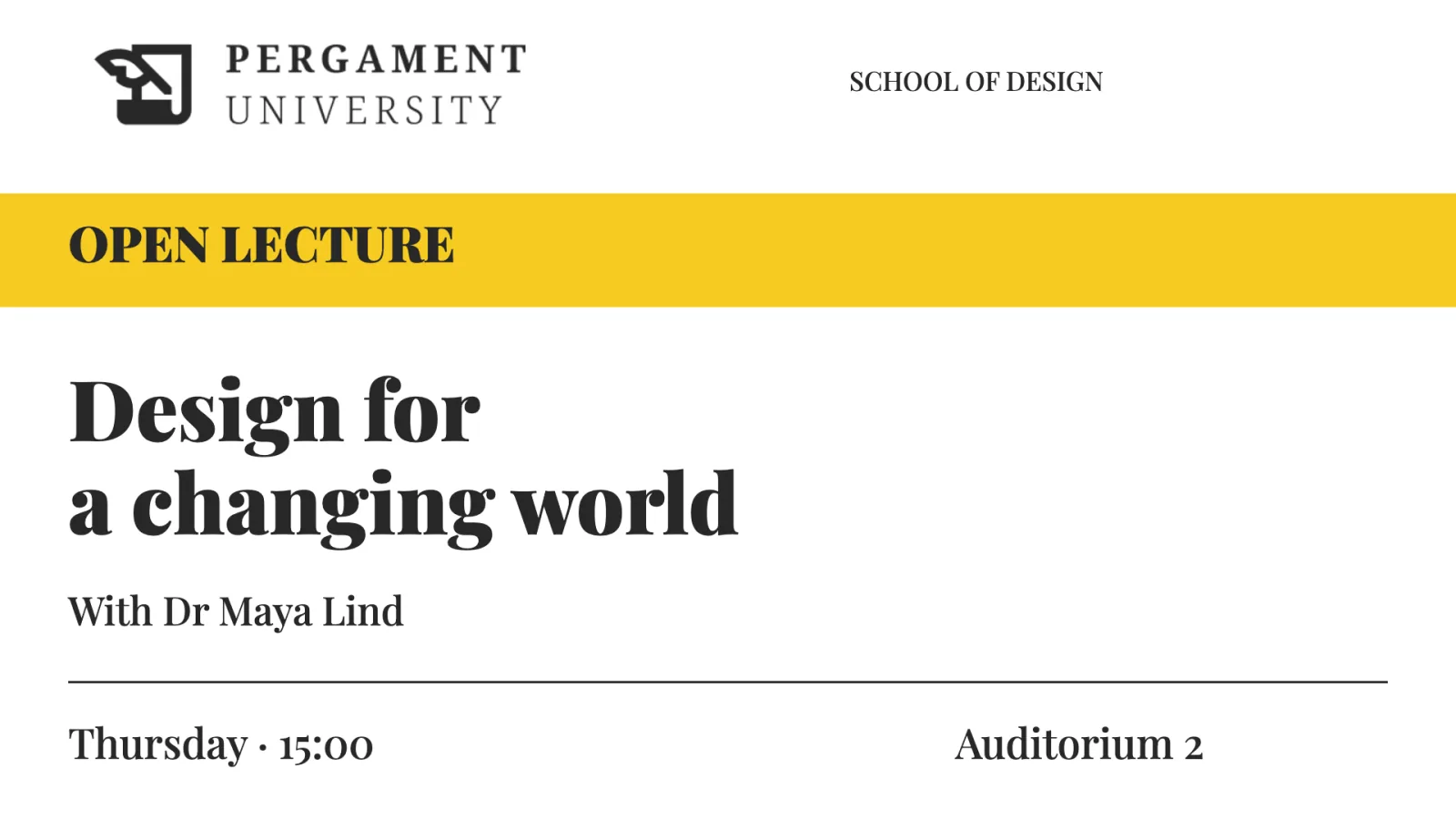
Let staff update messages without editing the design develops this pattern. Decide which content changes are appropriate locally and check them in the finished item. Quick edit limits the editing task; it does not prevent someone who can open Advanced editing from changing the design. Contributors still need access to the media and publishing resources.
Match access to those responsibilities
Groups connect a team to the resources it uses, while user profiles define access type and permitted actions. With Group Access, local contributors can receive their smart media and channel without automatically receiving unrelated resources or site-wide authority.
This separates several responsibilities that might otherwise be handed to one person:
| Responsibility | What the team maintains |
|---|---|
| Central design | Reusable layout and shared branding |
| Local contribution | The supported content fields for its messages |
| Administration | Resource assignments and permitted actions |
| Review, where required | The booking's content and intended publication |
Let local teams publish within their own areas explains the access model. A design choice and an access choice solve different problems: a prepared layout does not itself prevent someone changing another resource they can reach.
Keep approval attached to the booking
If central review is needed, the contributor submits the booking as Waiting for approval. An eligible approver checks its content, schedule, channel, and targets before publishing. A prepared template does not automatically approve the message created from it.
Booking statuses show whether work is a draft, waiting, or published. Agree who submits and who publishes, and make sure the reviewer can access the intended targets. Review content before it reaches screens explains the handoff; booking settings describe the status controls and save step.
For the departmental notice, the result is a straightforward path: start from the agreed design, update the local fields, and submit the booking if review is required. Design, access, and approval each contribute something without making every routine edit return to the central designer.
Keep the starting point useful
As stores, wards, and departments join, make the intended templates easy to find. Review resource access as responsibilities change and retire obsolete designs deliberately. Check that the shared design still supports the updates people need; otherwise local workarounds can recreate the inconsistency it was intended to prevent.